What is ShockWatch?
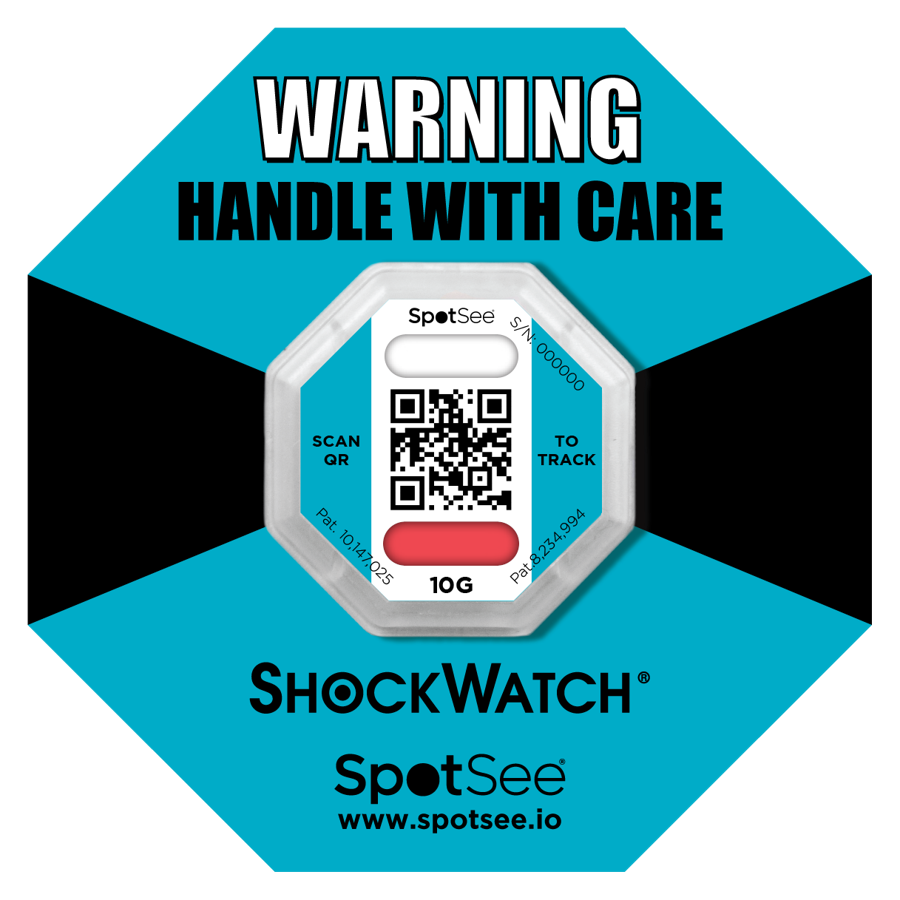
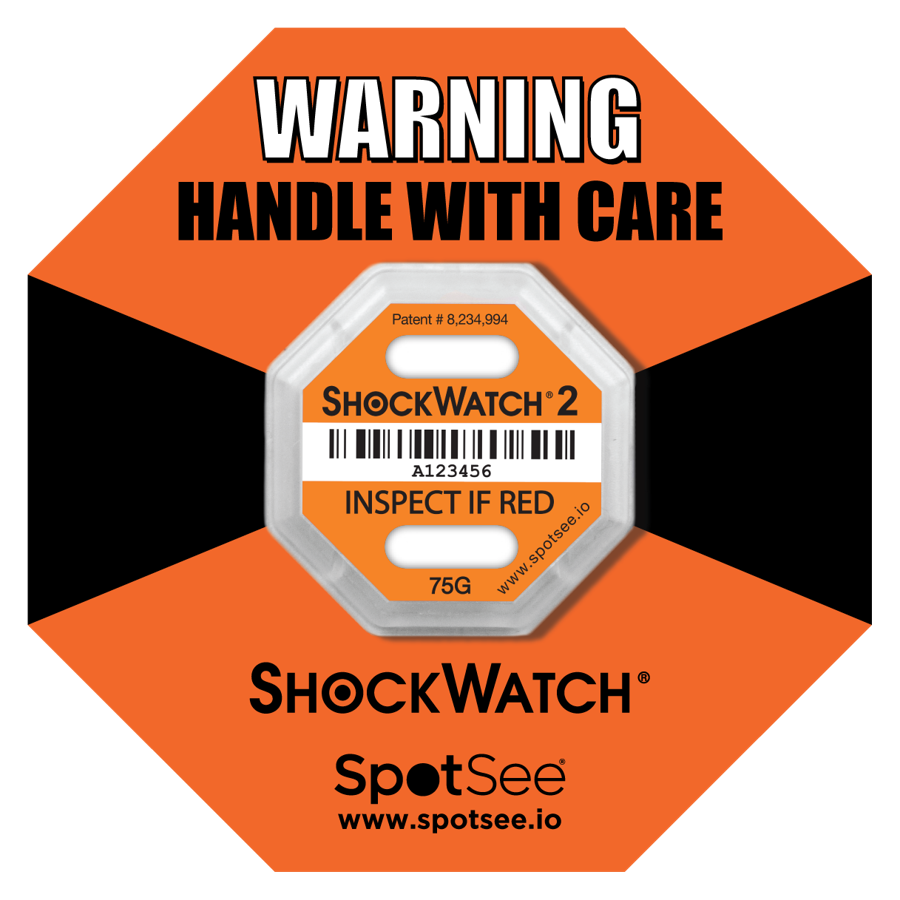
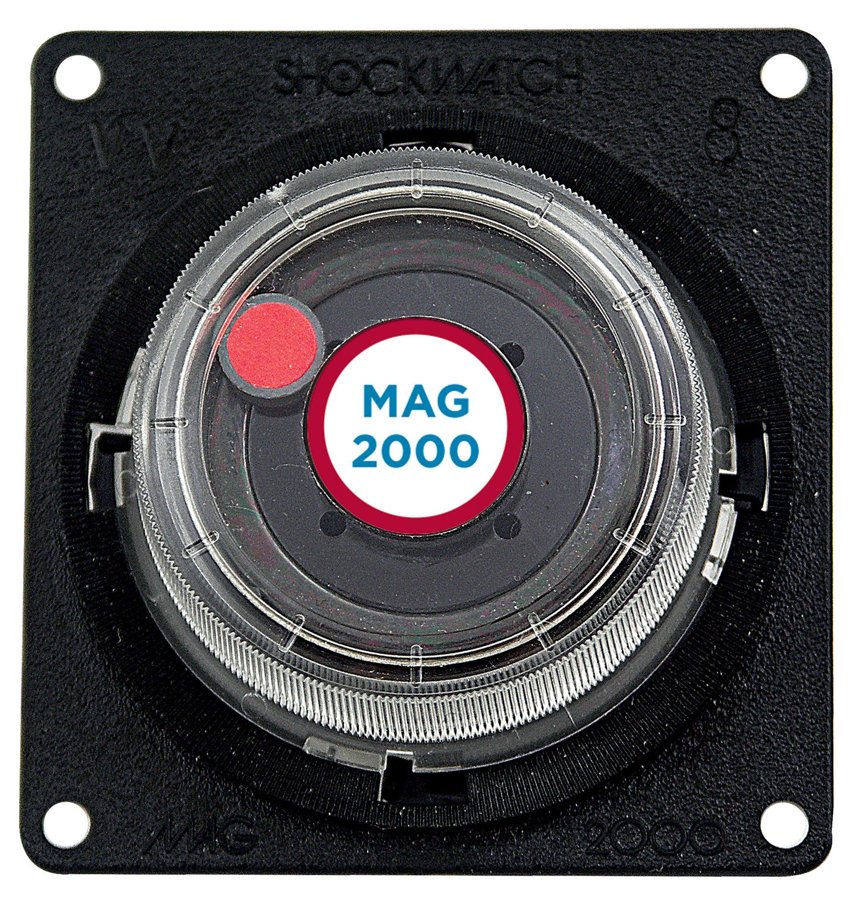
ShockWatch is a brand of shock indicators from SpotSee. It is a small label containing a capillary tube that permanently turns red when a shipment experiences a shock exceeding a set acceleration threshold (in G).
It does not measure everything that happens in transit — it answers one question: has the load experienced a shock above the selected threshold? This allows the recipient to spot a problem immediately, before signing the delivery note.
These labels are often referred to as shipment shock sensors or red warning stickers for parcels. The name may vary, but the principle is the same: once an impact indicator activates, it cannot be reset.
Why transport damage is difficult to prove
The most costly damage is often hidden. The carton looks fine, but inside, a solder joint on a circuit board cracks, an instrument no longer reads accurately or a component develops a leak. The fault may only become apparent weeks later, when establishing liability can be difficult.
The cost of damage is not limited to the value of the goods: it also includes replacement shipping, servicing, time spent handling claims, customer downtime and lost trust.
Where impacts occur in the supply chain
- Forklifts and manual handling — loads falling off pallets or striking loading ramps.
- Road transport — speed bumps, potholes and sudden braking.
- Rail — jolts when coupling wagons.
- Couriers and sorting centres — thrown parcels, conveyor belts and drops.
- Airports and ports — repeated handling between modes of transport.
How to choose the G threshold
The heavier the shipment, the lower the threshold — in the same drop, a heavy load experiences less acceleration but can withstand less. Lightweight parcels need a higher threshold; otherwise, the indicator will activate during normal handling.
The quickest way is to use our ShockWatch calculator: enter the shipment's weight and dimensions to receive a suggested sensitivity from 5G to 75G. For unusual loads, we work with you to select the threshold.
Where to attach the indicator
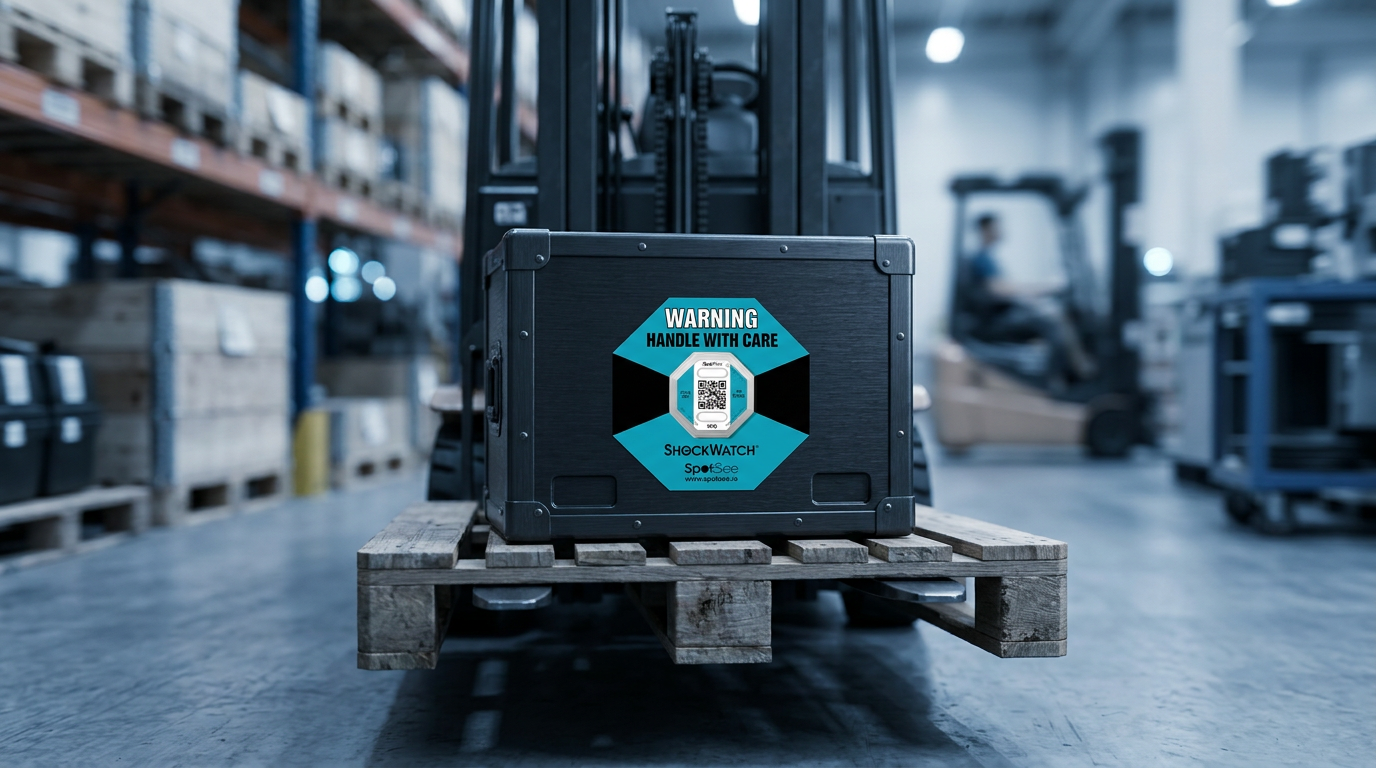
- On the outside of the packaging, in a clearly visible position — the driver and warehouse staff need to see it.
- On a rigid side panel, preferably near a corner rather than in the middle of a flexible carton.
- Alongside a warning label — the presence of the indicator alone changes how the goods are handled.
- For large crates, consider two indicators on adjacent sides.
What to do if the indicator is red on delivery
- Do not automatically refuse delivery — accept the shipment with reservations noted.
- Record a note on the consignment note or damage report in the driver's presence.
- Photograph the indicator and packaging; with ShockWatch 2 QR, scan the code to record the time, location and serial number.
- Check the contents and inform the sender.
Which ShockWatch should you choose?
ShockWatch 2 is only armed when you dispatch the shipment, so it will not activate accidentally on its way to you. It has a serial number and is tamper-resistant. ShockWatch 2 QR adds a digital record of the reading in the cloud — convenient when managing multiple shipments and claims.
If the load must also remain upright in transit, combine ShockWatch with a TiltWatch tilt indicator.
ShockWatch 2 in action — photos and drop demonstration
Our own photos of an actual indicator: from the sealed state through arming to triggering after a drop.
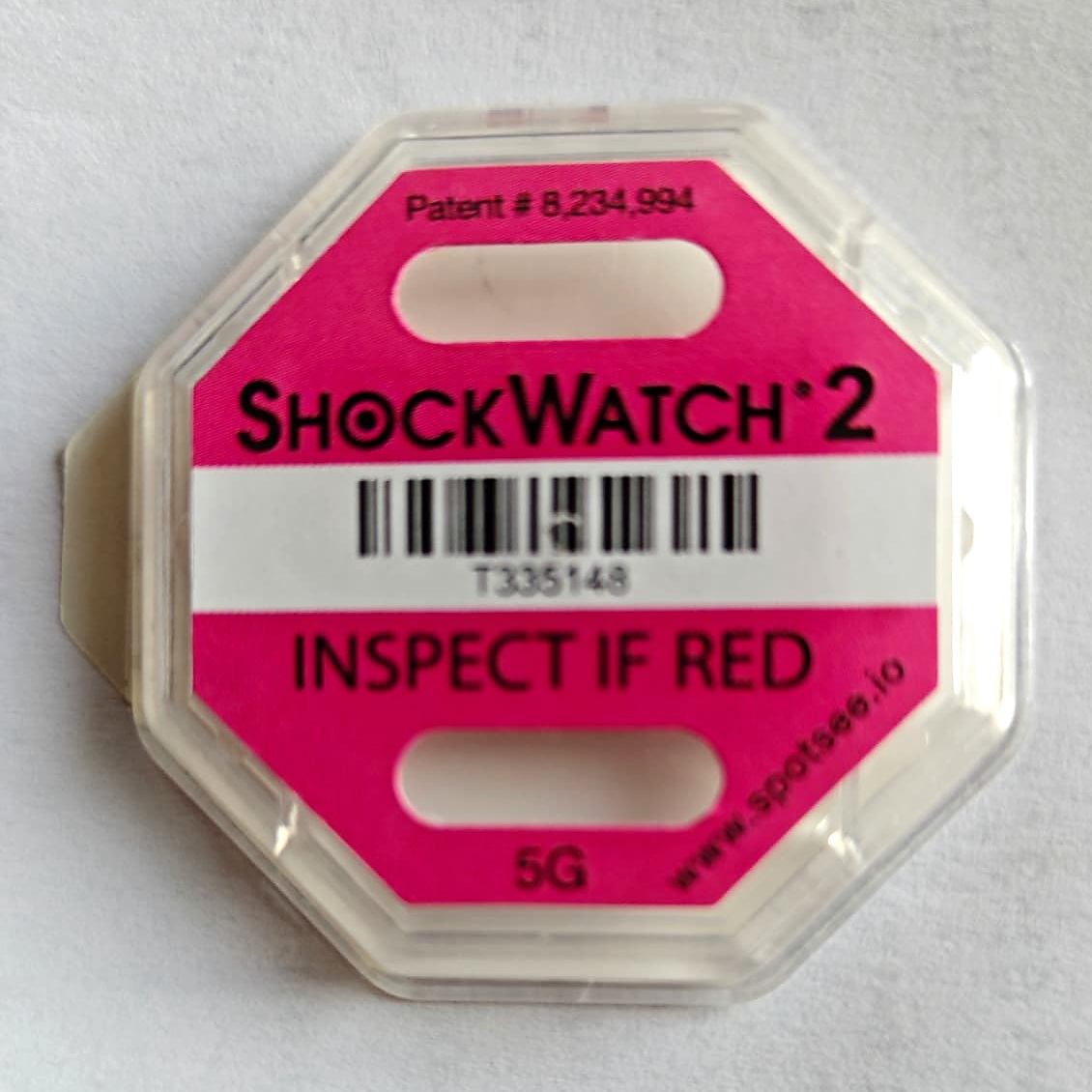
1. Before triggering
The indicator window is white.
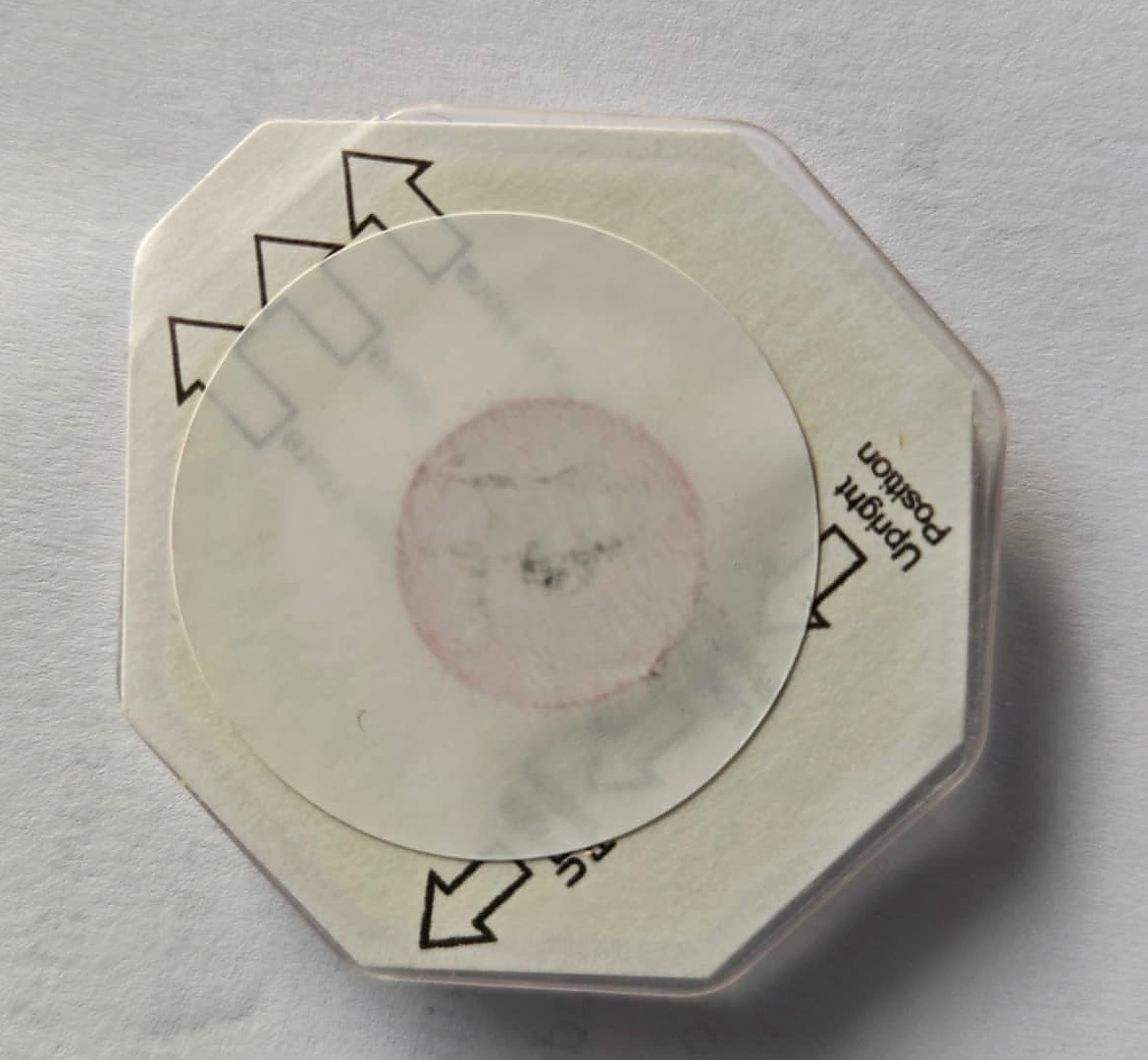
2. Tamper-evident seal
The indicator is supplied locked with a seal.
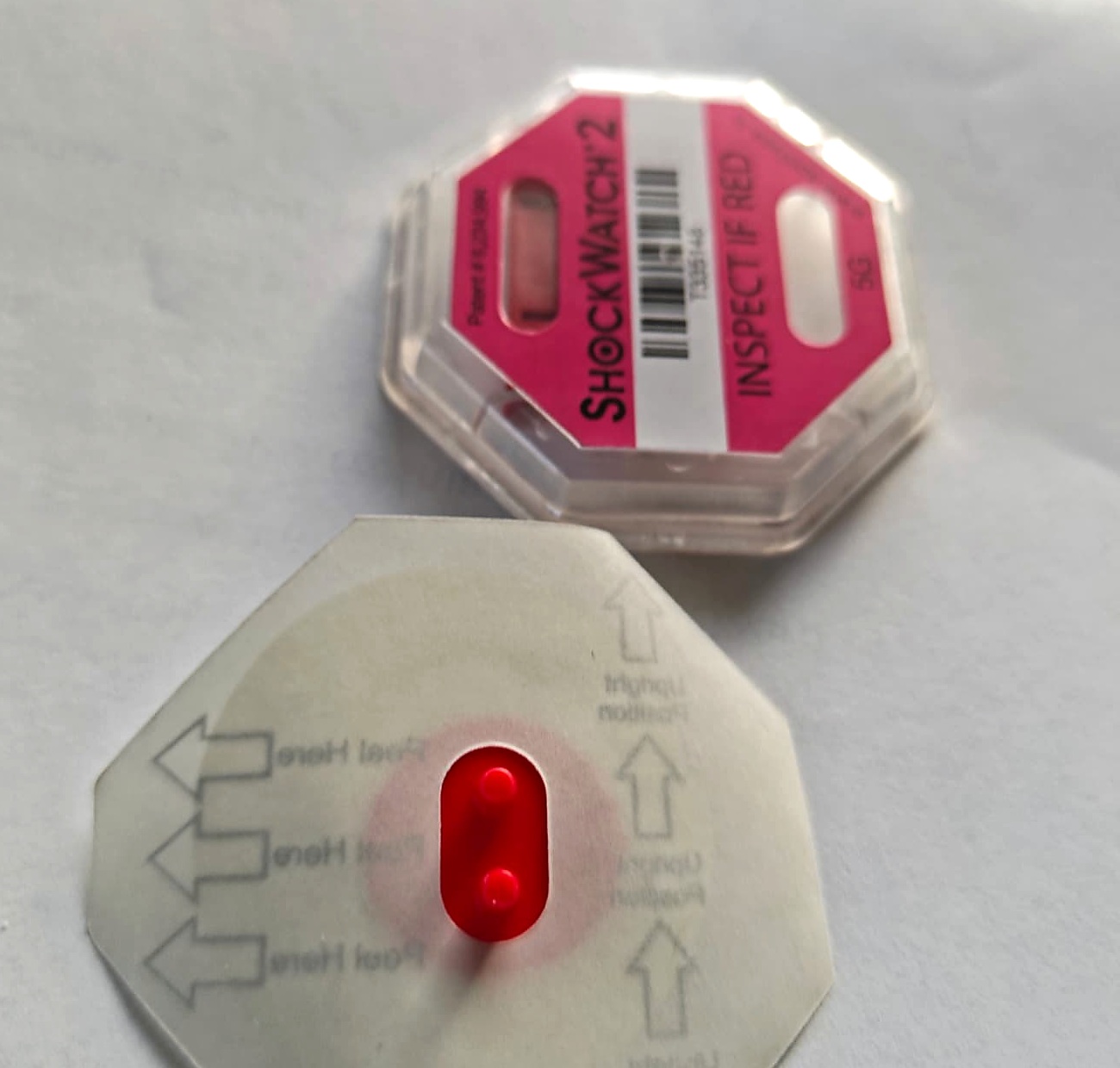
3. Seal removed
Once the seal is removed, the indicator is armed and responds to impacts.
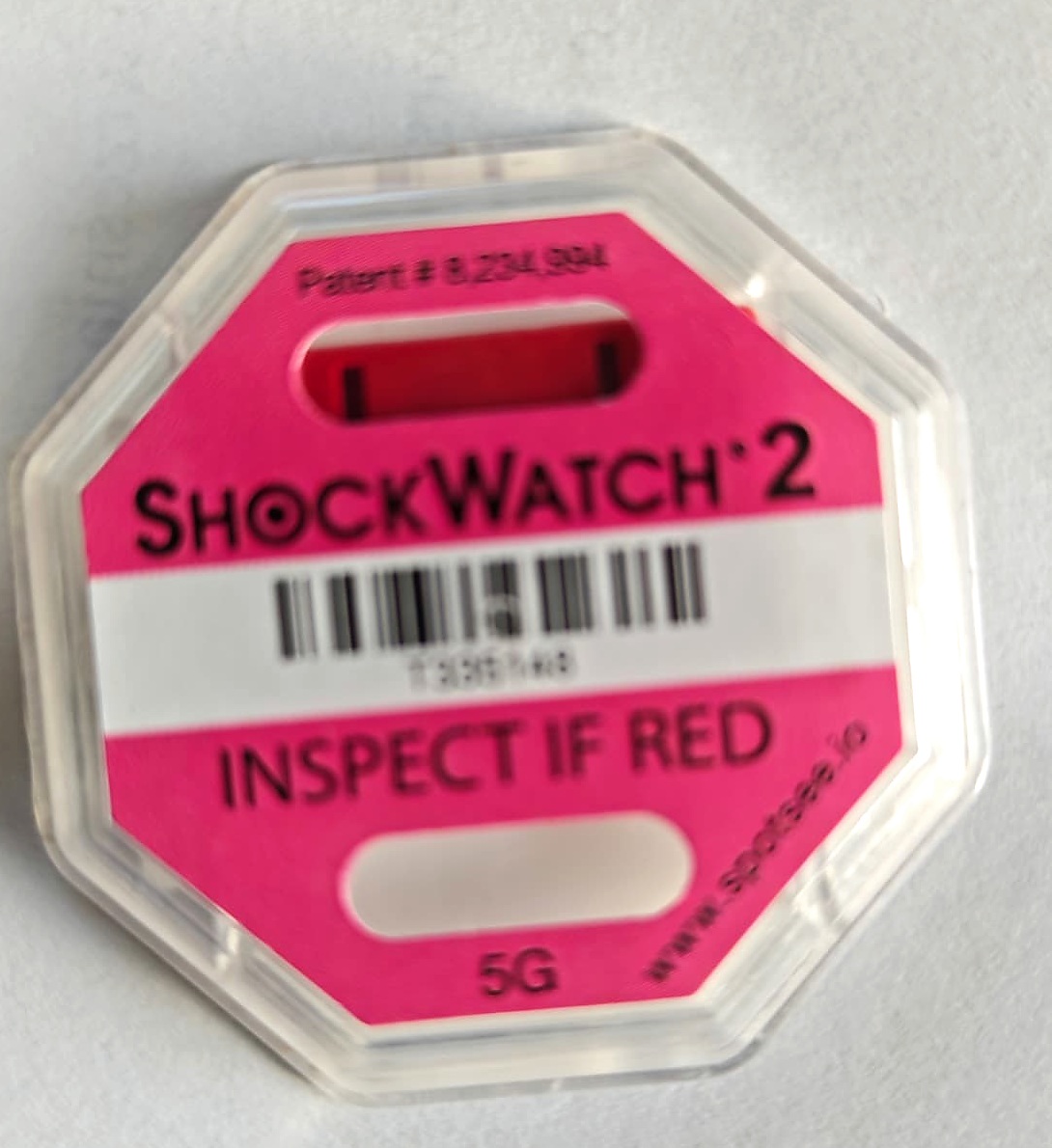
4. After triggering
An impact above the threshold permanently turns the window red.
Need help choosing an indicator for a specific shipment?
Tell us the weight, dimensions and transport method — we’ll recommend a model and threshold.
Request a quote →